
How to Use cSploit for Network Security Testing: Step-by-Step Tutorial
cSploit is a powerful network analysis and penetration testing tool that is popular among security enthusiasts and professionals. In this beginner-friendly tutorial, you’ll learn how to use cSploit to perform common security testing tasks on your network. We’ll guide you through each step with clear instructions and helpful images to make the process easy to follow, even if you’re new to network security tools.
Step 1: Open Notepad and Start Typing
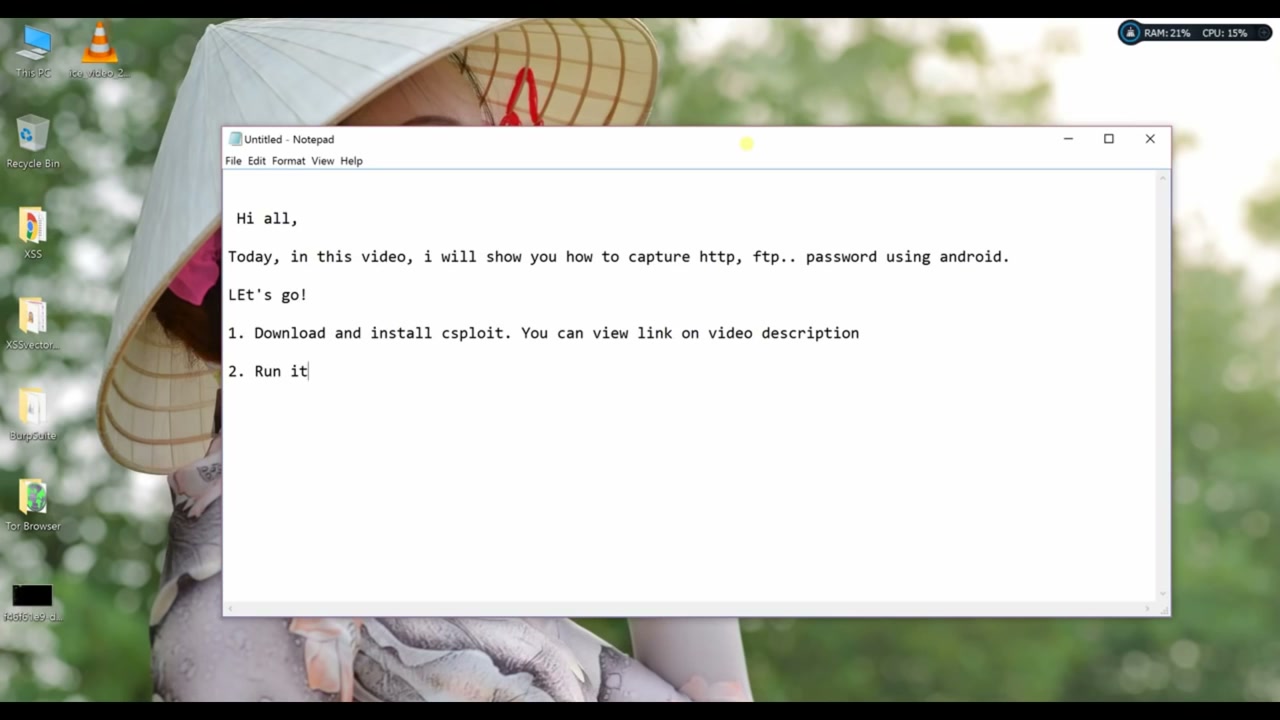
Begin by opening the Notepad application on your computer. Notepad is a simple text editor built into Windows that you’ll use to take notes or write instructions for your tutorial. Make sure Notepad is open and focused, then start typing your message or notes.

Step 2: Write an Introduction in Notepad
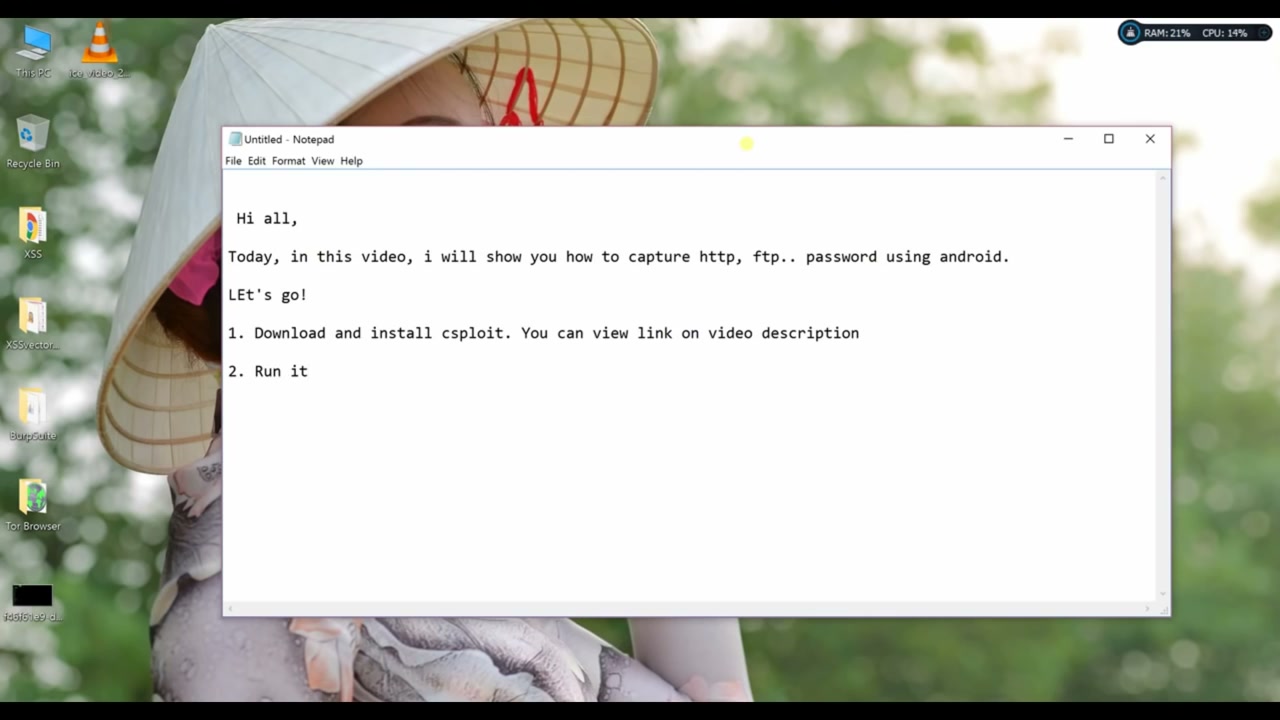
Use Notepad to write a brief introduction for your project or tutorial. This helps clarify your goals and keeps your work organized. Remember to save your content regularly so you don’t lose any important information.
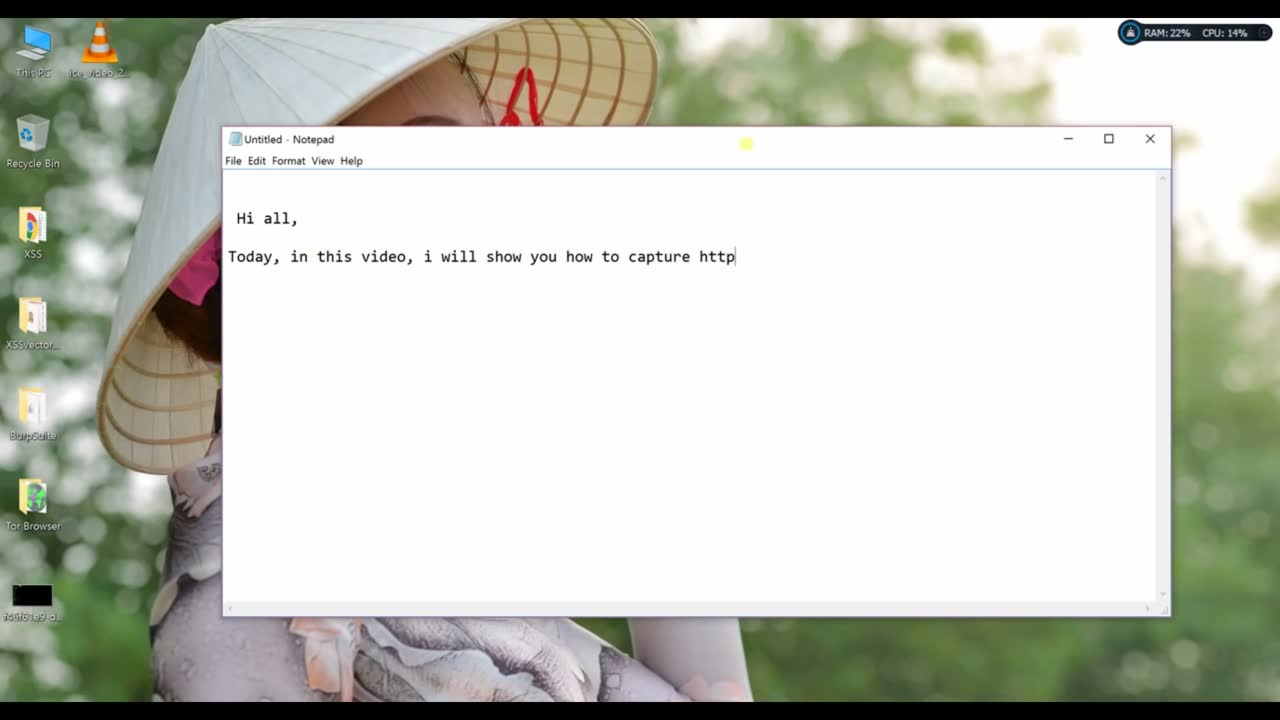
Step 3: Open Notepad for a New Document
If you need to start fresh, open Notepad again to create a new text document or note. Make sure you have access to the necessary files and permissions if you plan to view or edit sensitive info during your tutorial.
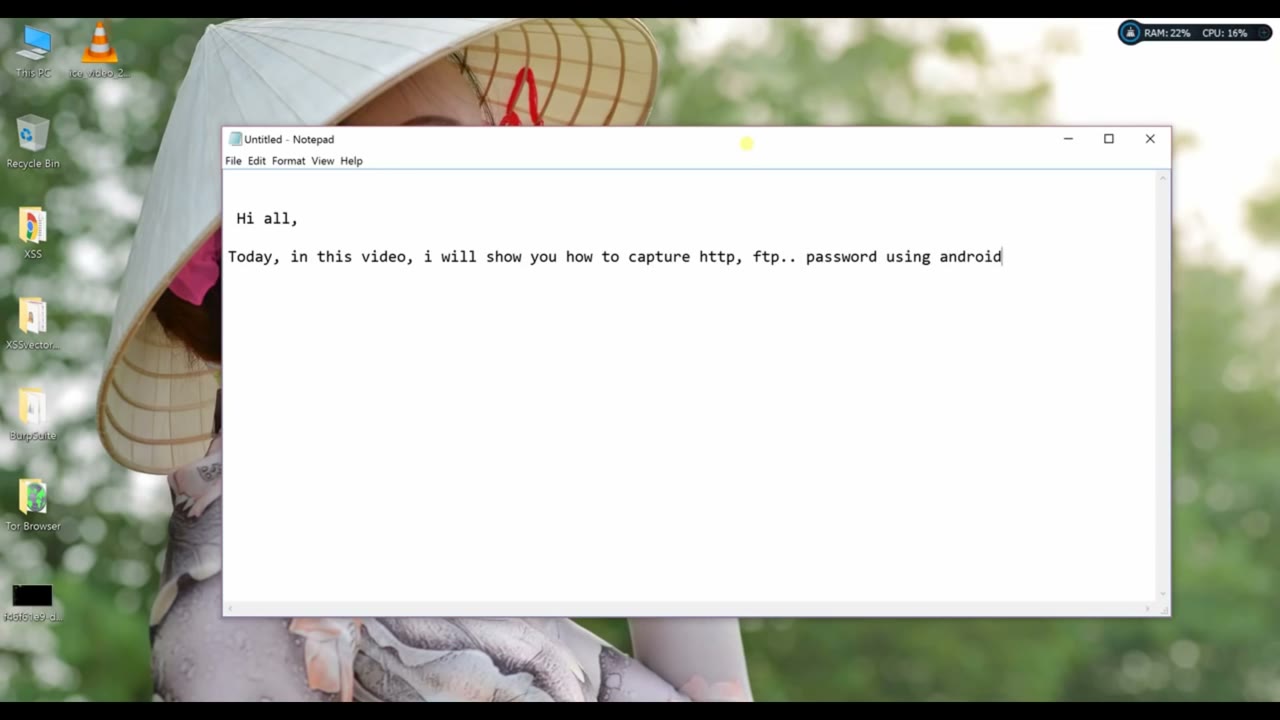
Step 4: Start Writing Tutorial Steps in Notepad
With your introduction complete, begin outlining the first steps of your tutorial in Notepad. This helps create a clear structure and allows you to organize your process before carrying out any practical work. Don’t forget to save your progress.
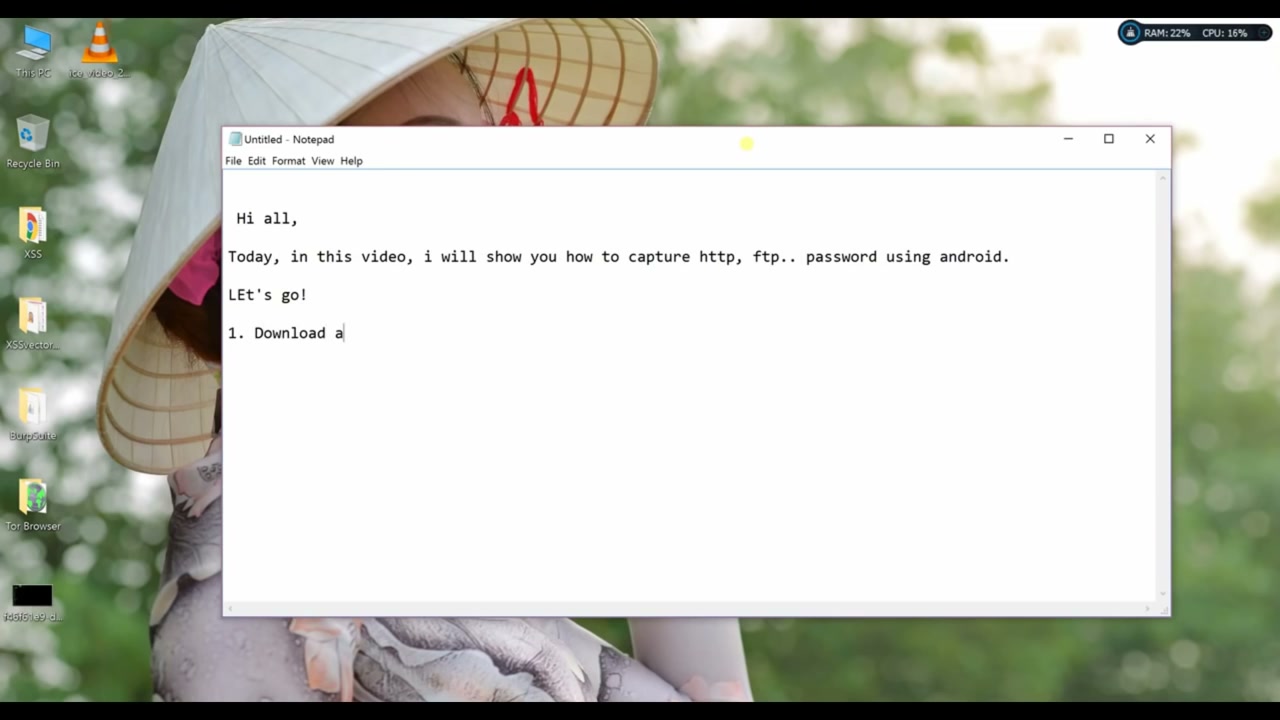
Step 5: Download and Install cSploit
Download the cSploit application from the official website or trusted sources. Follow the installation instructions provided for your specific device or operating system. Once installed, you’ll be ready to begin network analysis and security testing.
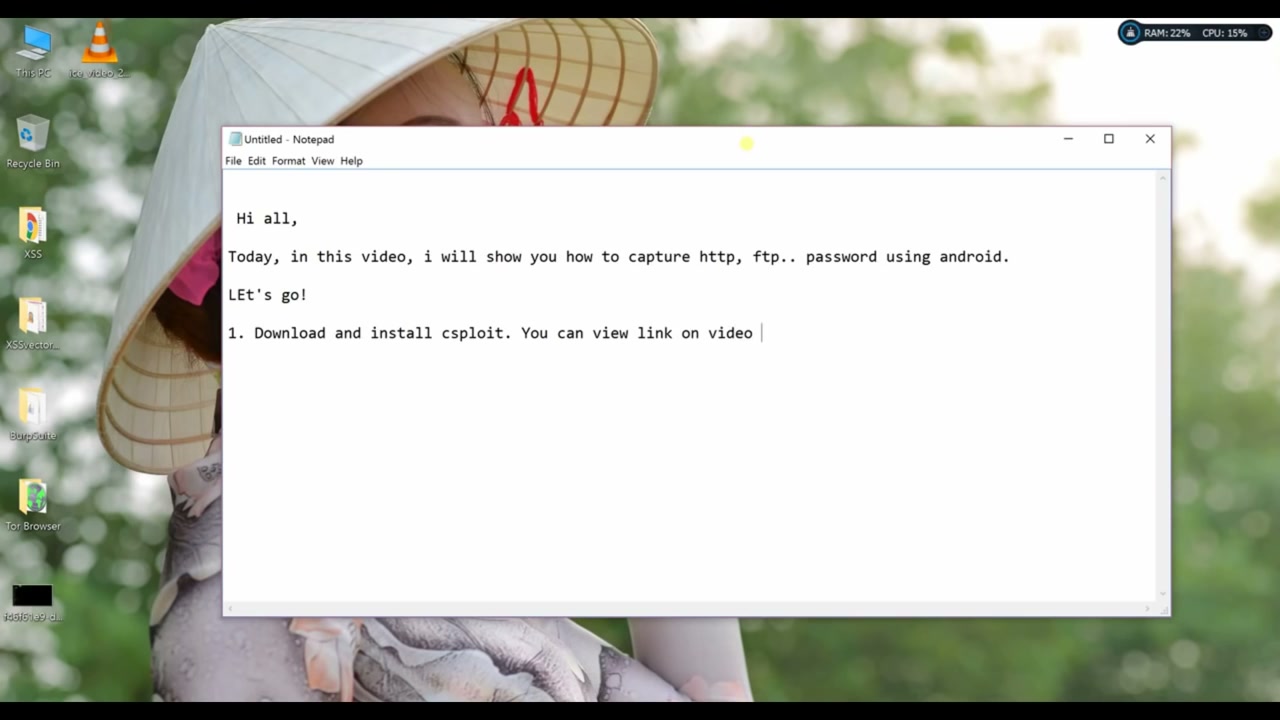
Step 6: Set Up cSploit and Choose a Target
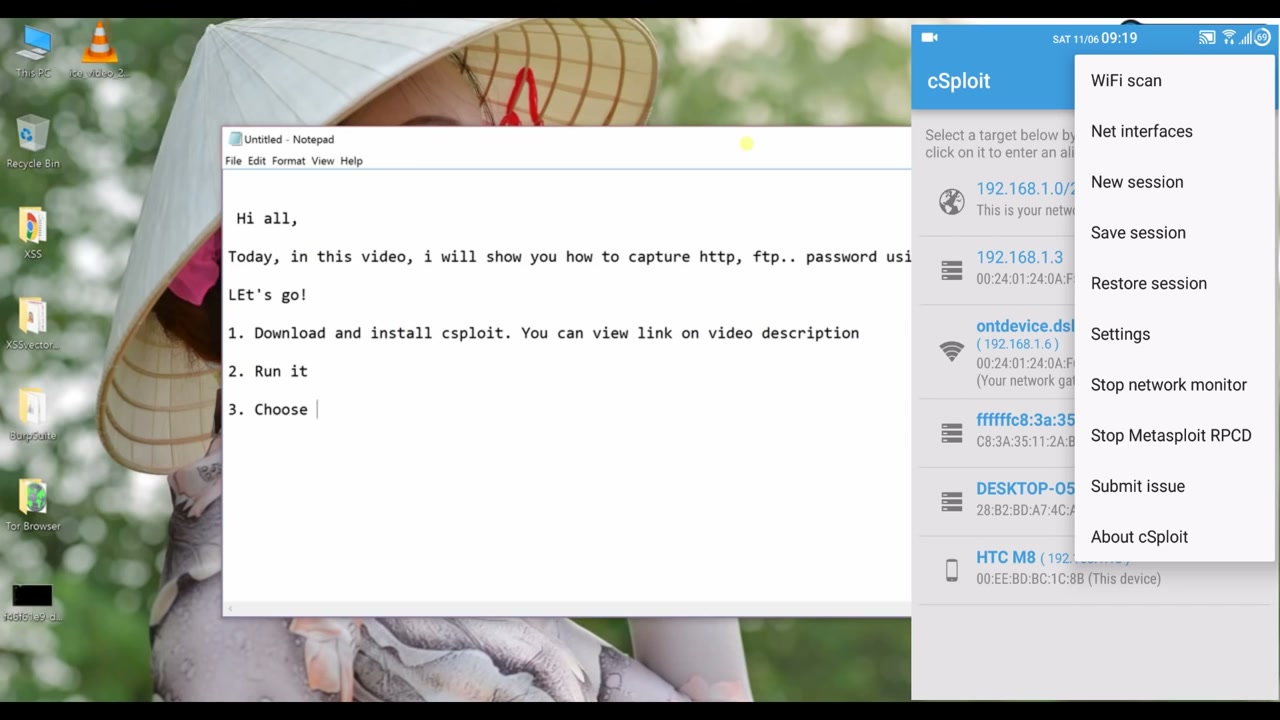
After installing cSploit, open the app and scan your network. Use the “WiFi scan” or similar options to detect available devices in your network. Select a device (target) you want to analyze from the displayed list. Important: Only test networks you own or have explicit permission to analyze.
Step 7: Select a Module in cSploit
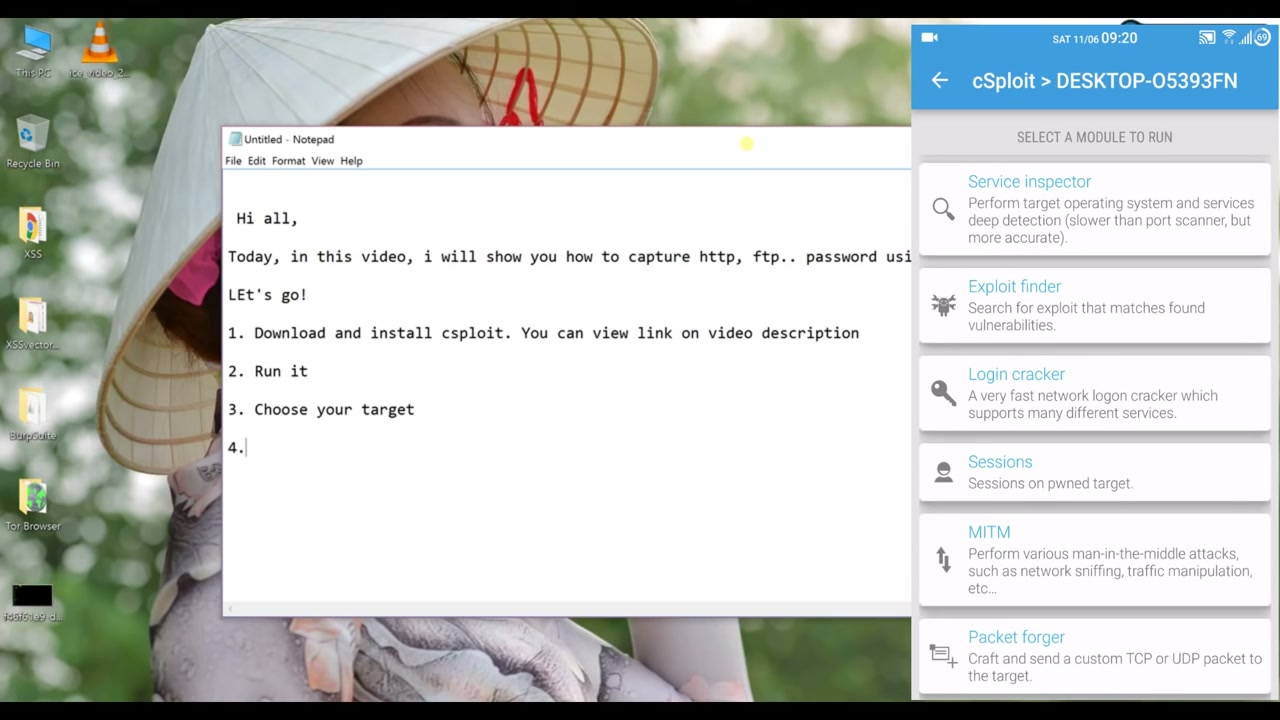
After choosing your target, browse through the modules provided by cSploit. Some common modules include Service Inspector, Exploit Finder, Login Cracker, Sessions, MITM (Man-in-the-Middle), and Packet Forger. Pick the module that matches your testing objectives. Always make sure you have authorization before performing security tests on any device.
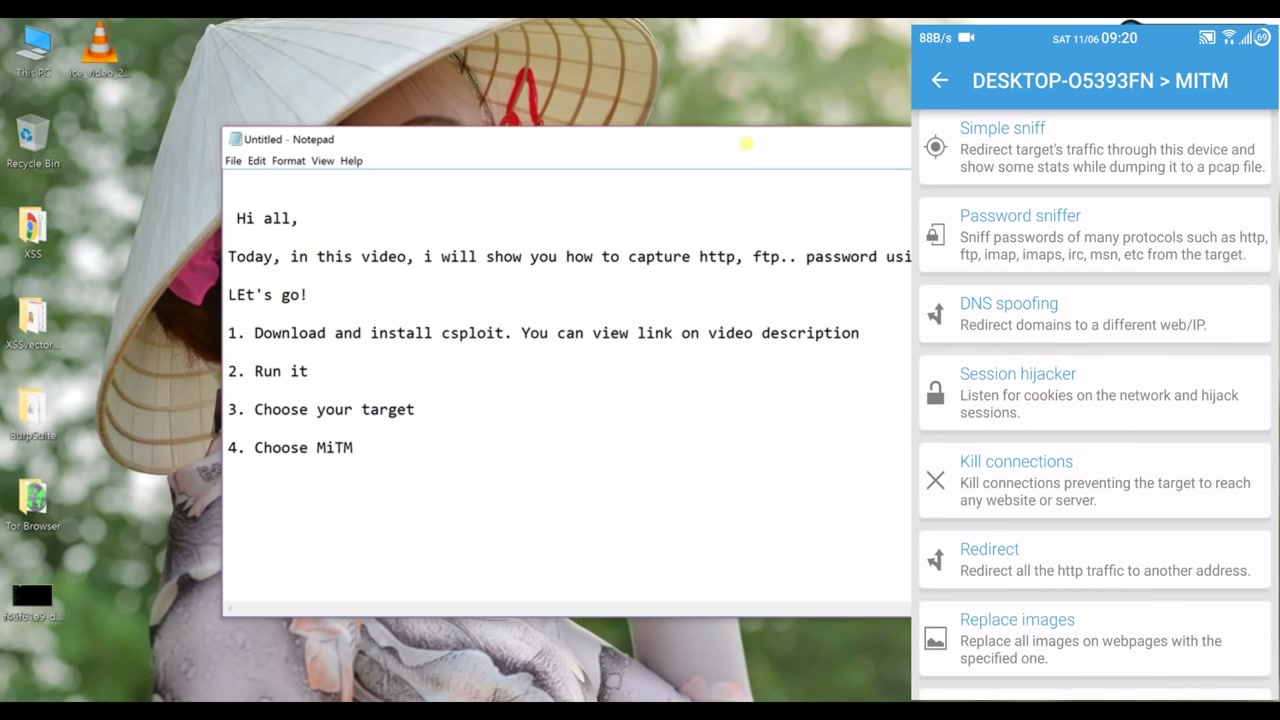
Step 8: Choose the MITM Attack Module
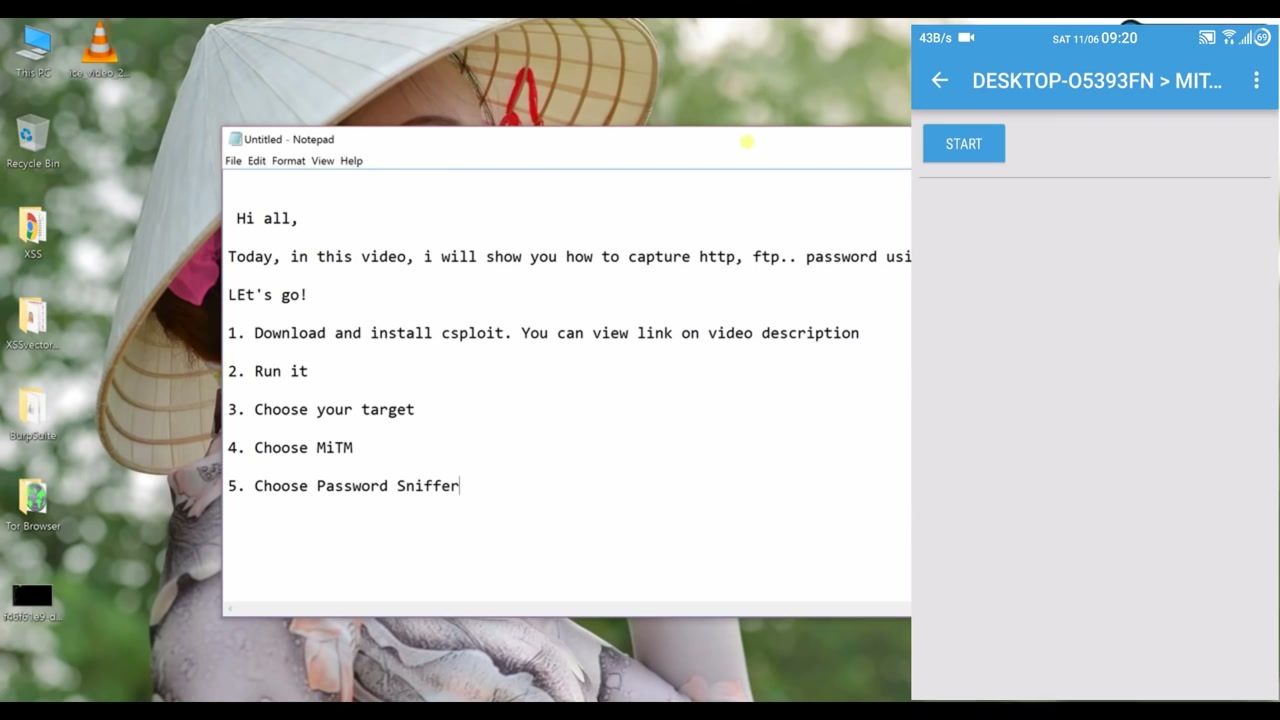
For tasks like network sniffing or session hijacking, select the “MiTM” (Man-in-the-Middle) module. This lets you access options such as Simple Sniff, Password Sniffer, DNS Spoofing, Session Hijacker, and others. Again, only use these features on networks you’re authorized to test.
Step 9: Stop the Logging Process
Once you’ve finished capturing network logs for your target or when you’re ready to end your session, press the “STOP” button in cSploit. Confirm that you have collected all the data you need before doing this, as stopping the process will halt further log capture.
Step 10: Log In to the Website You Want to Test
In your browser, navigate to the website you want to test. Click the “Đăng nhập” (Log In) button at the top right corner and use your credentials to sign in. This is especially useful for observing how credentials are transferred over the network, which you can monitor using cSploit.
Step 11: Access the Target Website’s Homepage
Make sure you can access the homepage of the website you’re testing (e.g., BBVietnam) in your web browser. Confirm your internet connection is active to allow the page to fully load and network activity to be analyzed through cSploit.
Troubleshooting Tips
- If cSploit is not detecting network devices, make sure your device is connected to the correct WiFi network and that no firewall is blocking access.
- If you encounter permission errors, run the app with appropriate (root) privileges as required by your operating system.
- Always ensure you have legal authorization before testing any network or system that you do not own.
- Save your Notepad notes regularly to avoid losing your work in case of a crash.
Conclusion
By following these steps, you’ve learned how to use cSploit for basic network security testing tasks. Always use these powerful tools responsibly and ethically, only on networks and systems you have explicit permission to analyze. Regular practice with tools like cSploit will help you better understand network vulnerabilities and strengthen your overall security knowledge.