
How to Use cSploit for Session Hijacking: A Step-by-Step Guide
Session hijacking is a technique used to intercept and take over a user’s session on a website or network.
This tutorial walks you through the process of using cSploit, a powerful Android tool for network security testing.
Whether you’re a beginner learning about network security or a professional conducting authorized tests, this
guide will show you how to install, configure, and use cSploit to perform session hijacking. For ethical and legal
reasons, always ensure you have the necessary permission before proceeding.
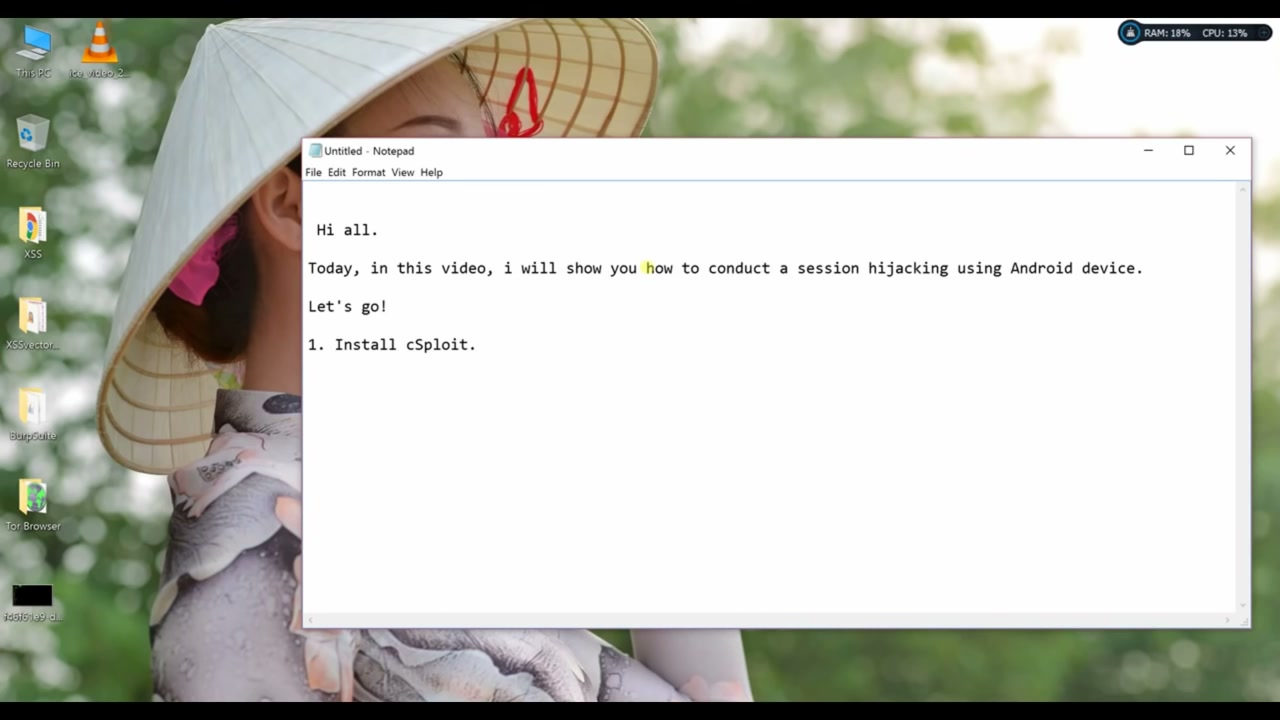
Step 1: Install cSploit on Your Android Device
To begin, make sure you have cSploit installed on your Android device. You can find the installation package
from trusted sources online. Download the APK file and follow the on-screen prompts to install it.
Warning: Ensure you have all necessary permissions to install and use cSploit legally.
Step 2: Launch cSploit and Set Up the Application
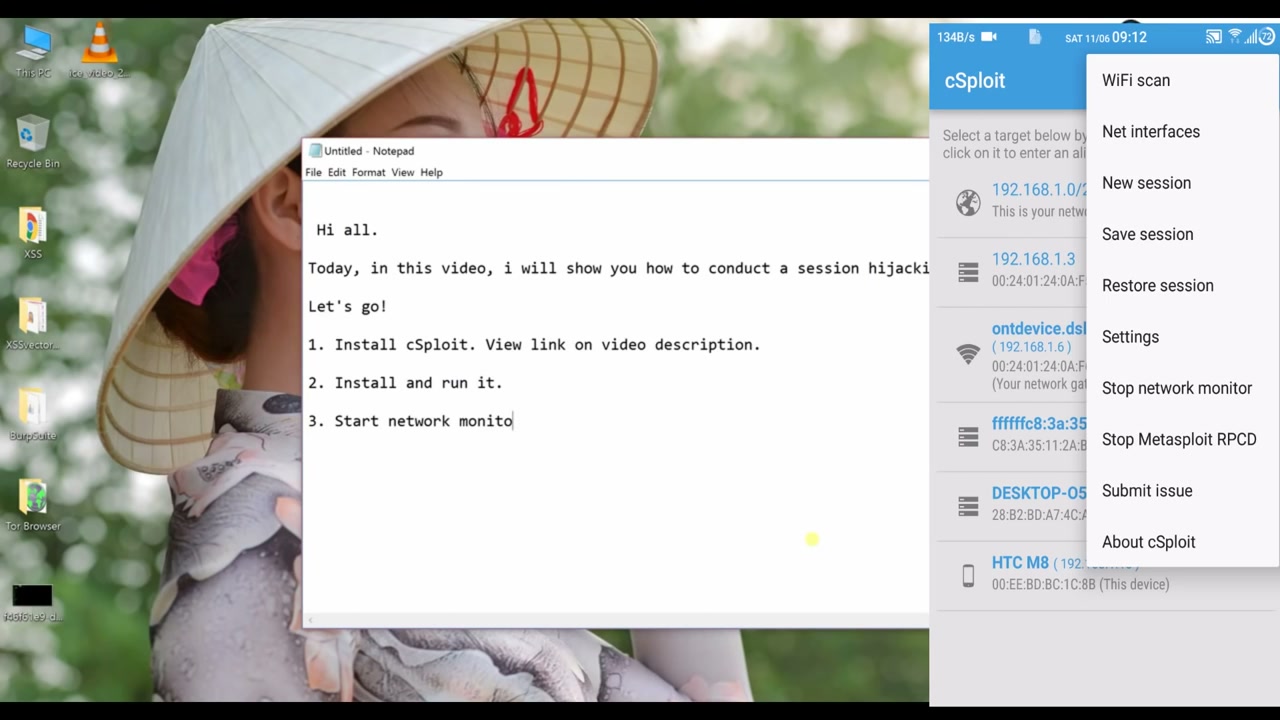
After installing cSploit, open the application. Familiarize yourself with the main features, such as scanning
networks, viewing network devices, and starting new sessions.
Warning: Only use cSploit for authorized network assessments.
Step 3: Select the Desired Network Module
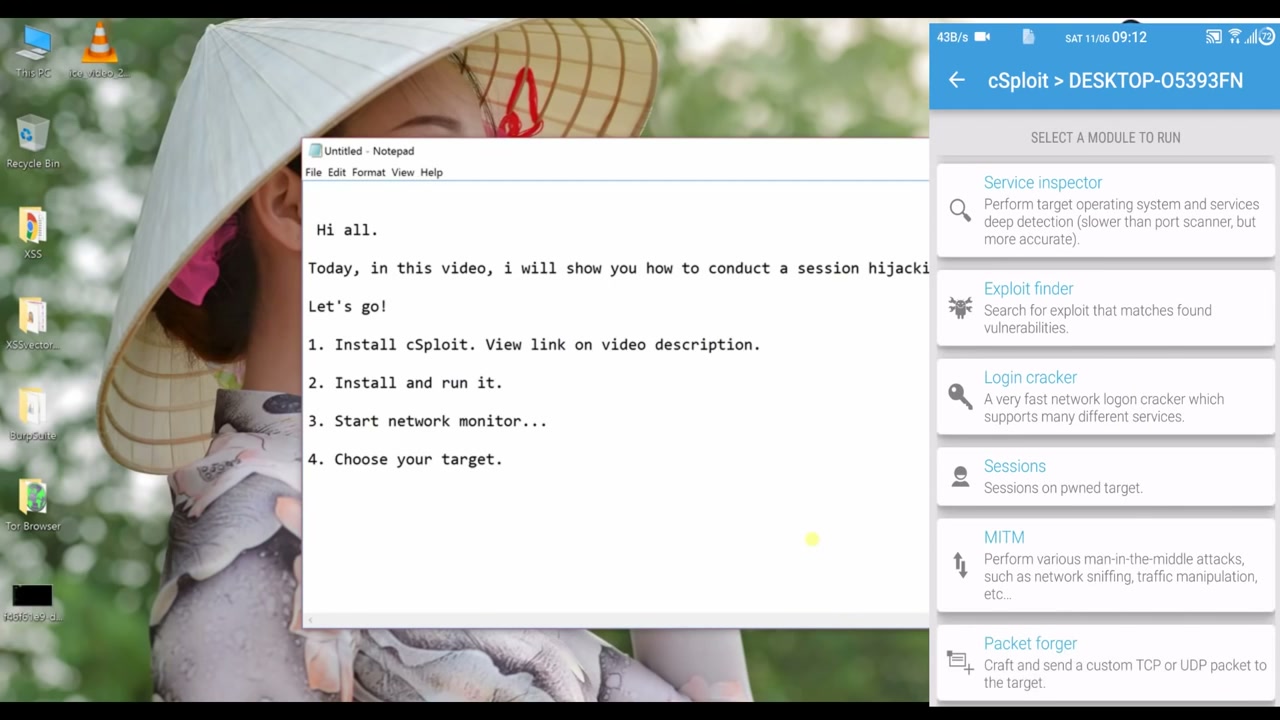
Within cSploit, you’ll find several modules for different security tasks. To perform a session hijack,
choose the appropriate module from the list, such as “MITM” (Man-In-The-Middle) or “Session Hijacker”.
Warning: Ensure you have authorization before running these actions, as they affect network traffic and devices.
Step 4: Choose the MiTM Option
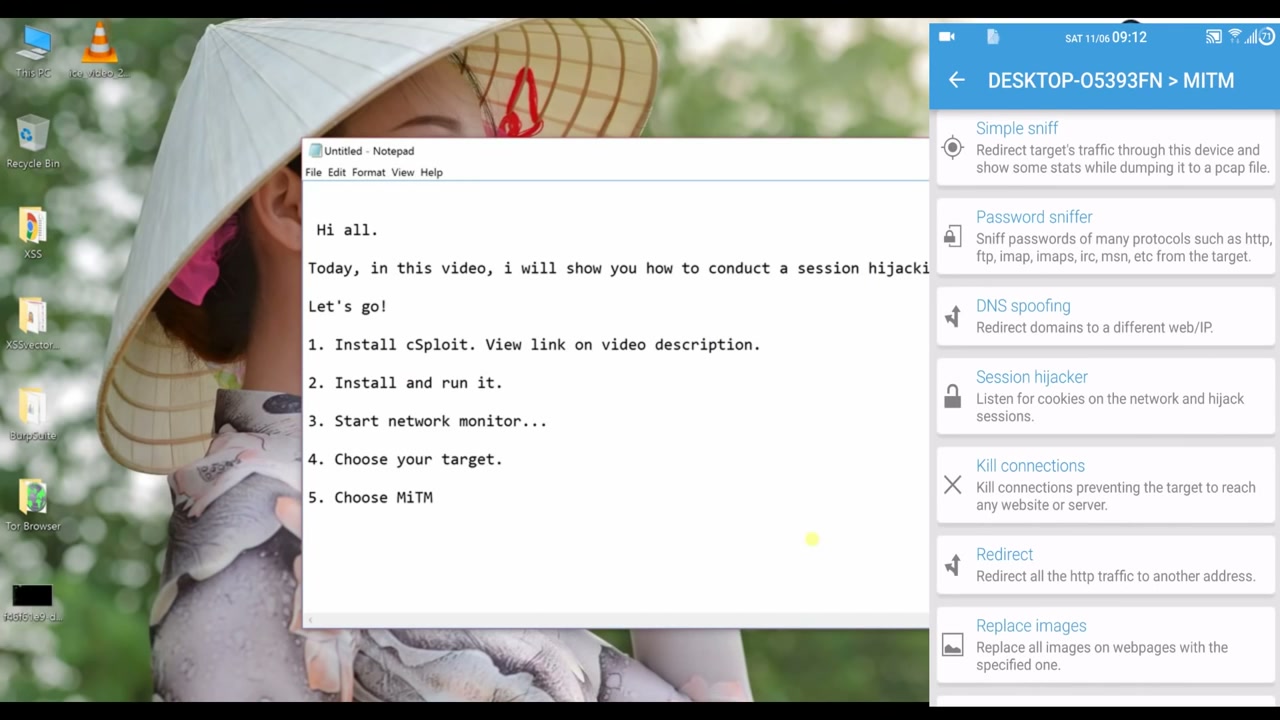
Select the ‘MiTM’ (Man-In-The-Middle) option from the available tools in cSploit. MiTM attacks allow
you to inspect, modify, or redirect network traffic.
Warning: Legal permissions are required to perform these actions on any network.
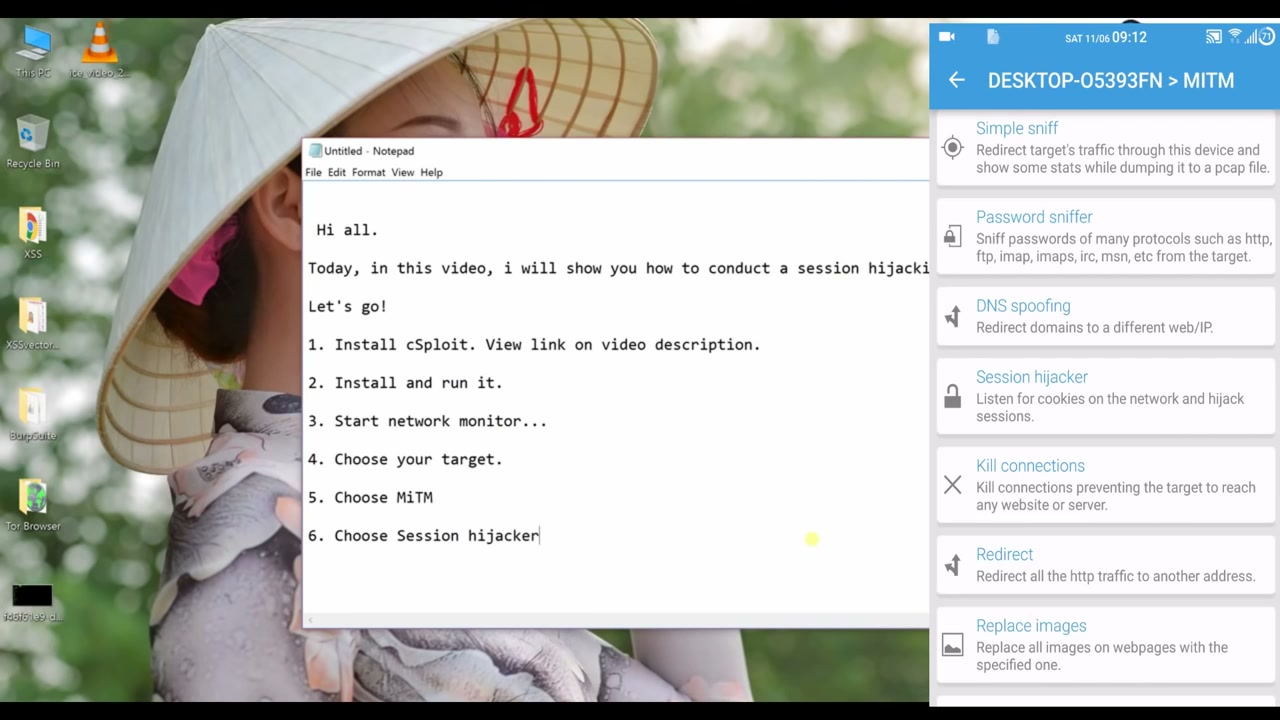
Step 5: Select Session Hijacker
Under the MITM menu, tap on ‘Session Hijacker’. This will enable the feature required to intercept and
hijack active sessions on the targeted network.
Warning: Confirm you have the right authorization to conduct this action.
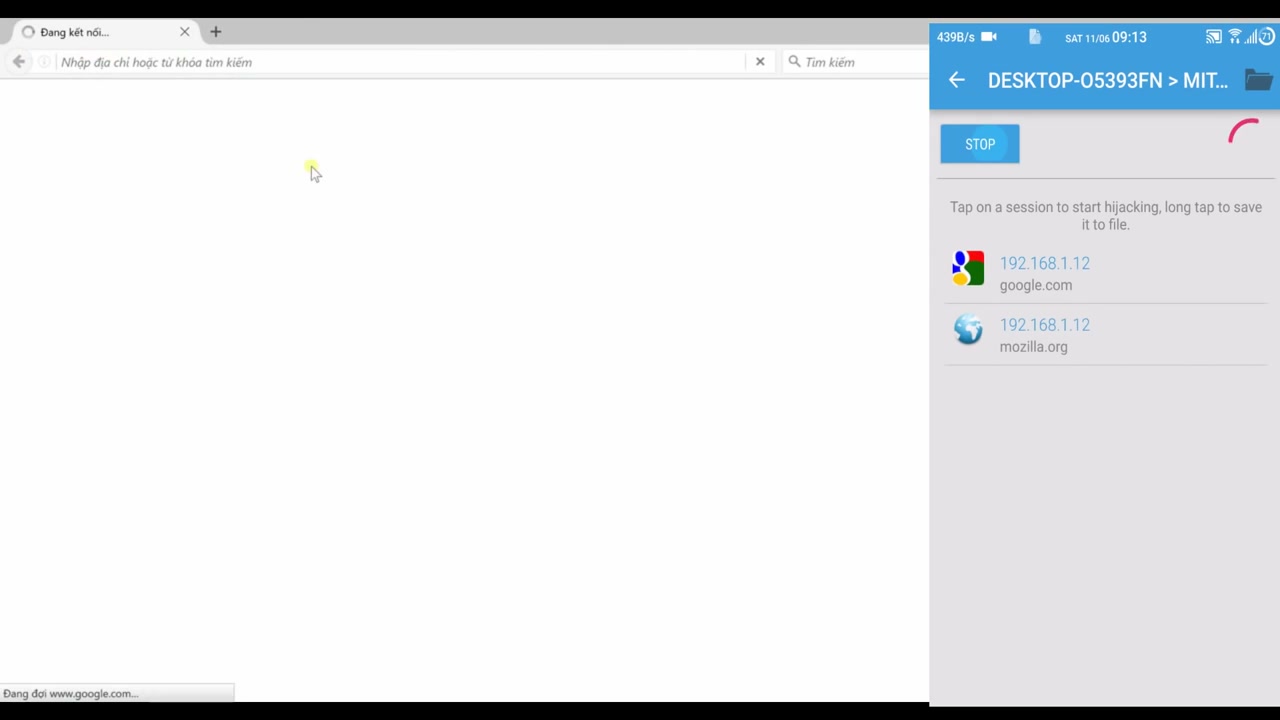
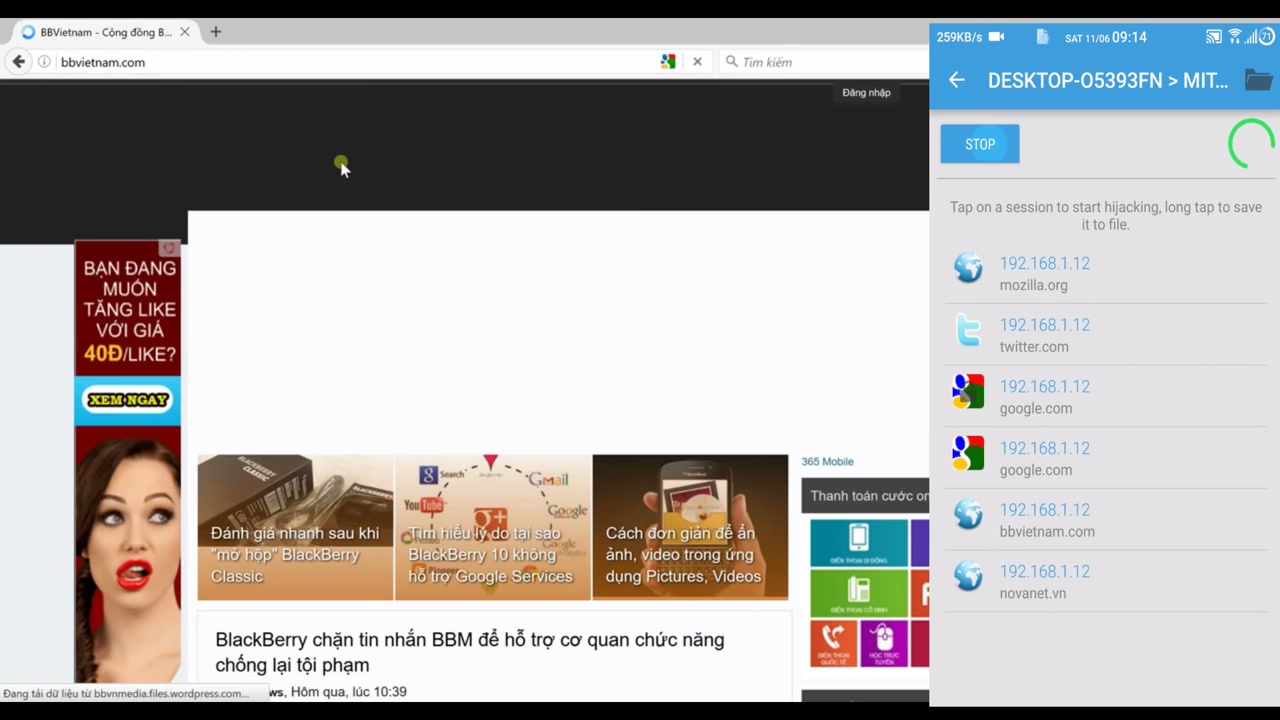
Step 6: Monitor Network Sessions
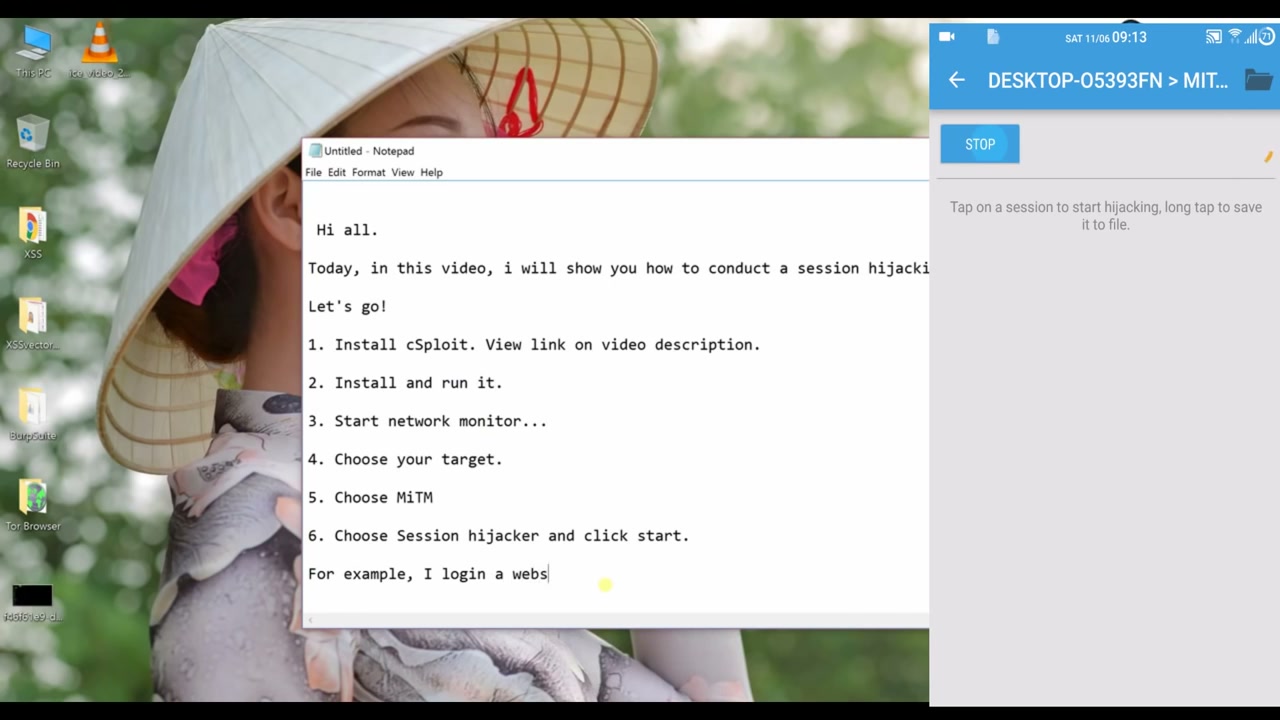
cSploit will now display a list of active sessions available on the network. Tap a session to monitor it, or long tap to save it for later analysis.
Warning: Monitoring network traffic without permission is illegal and unethical.
Step 7: Start the Session Hijack
To hijack a session, simply tap on an available session from the list. You can long tap to save session details if needed.
Warning: Only perform this step on networks and sessions that you have explicit permission to test.
Step 8: Stop the Session
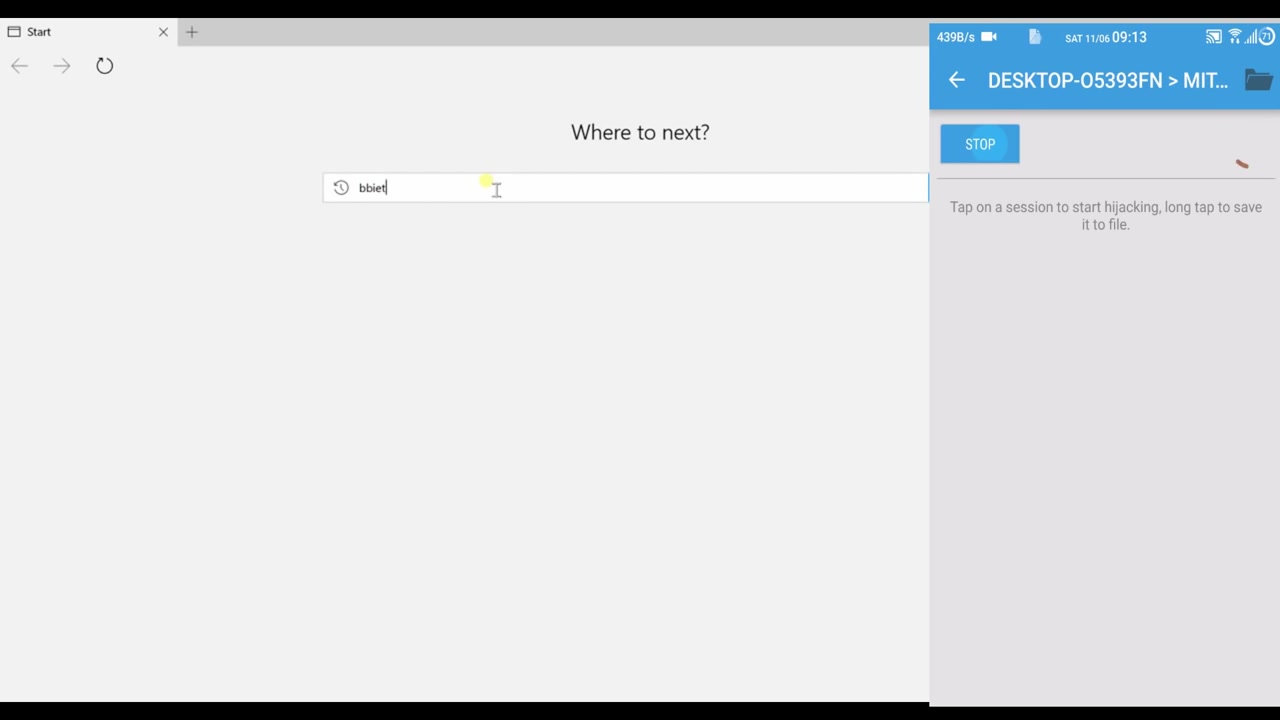
When you are done monitoring or hijacking sessions, click the ‘STOP’ button to end the current session and prevent further actions.
Warning: Make sure no critical processes are interrupted when stopping a session.
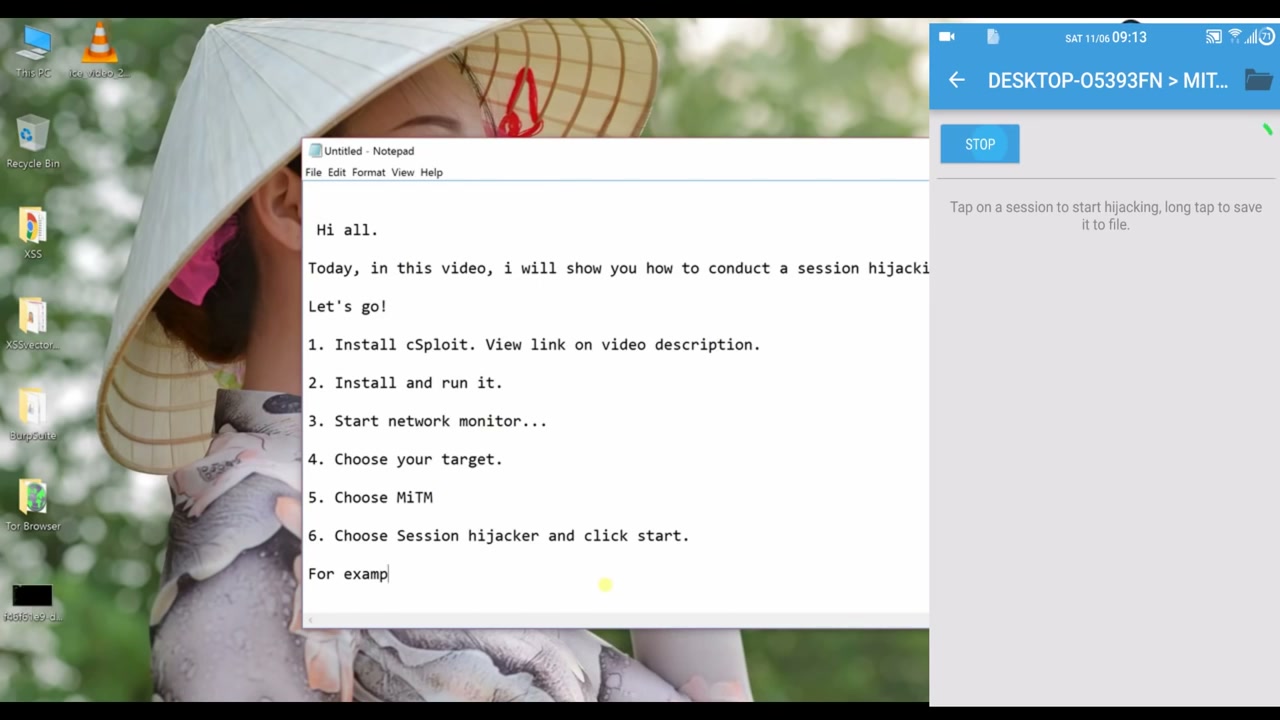
Step 9: Access the Target Website (Example: BBVietnam)
You can test session hijacking by visiting a website such as BBVietnam. Enter the URL in your browser’s
address bar and interact with the site as a regular user.
Tip: Make sure you are connected to the internet and can access the chosen site.
Step 10: Access the User Profile Menu
Once on the target website, open the user profile menu by clicking the user icon. This helps identify
user sessions, which are relevant targets for hijacking demonstrations.
Tip: Ensure you are logged in to access these features.
Step 11: Choose Target and Execute Session Hijack
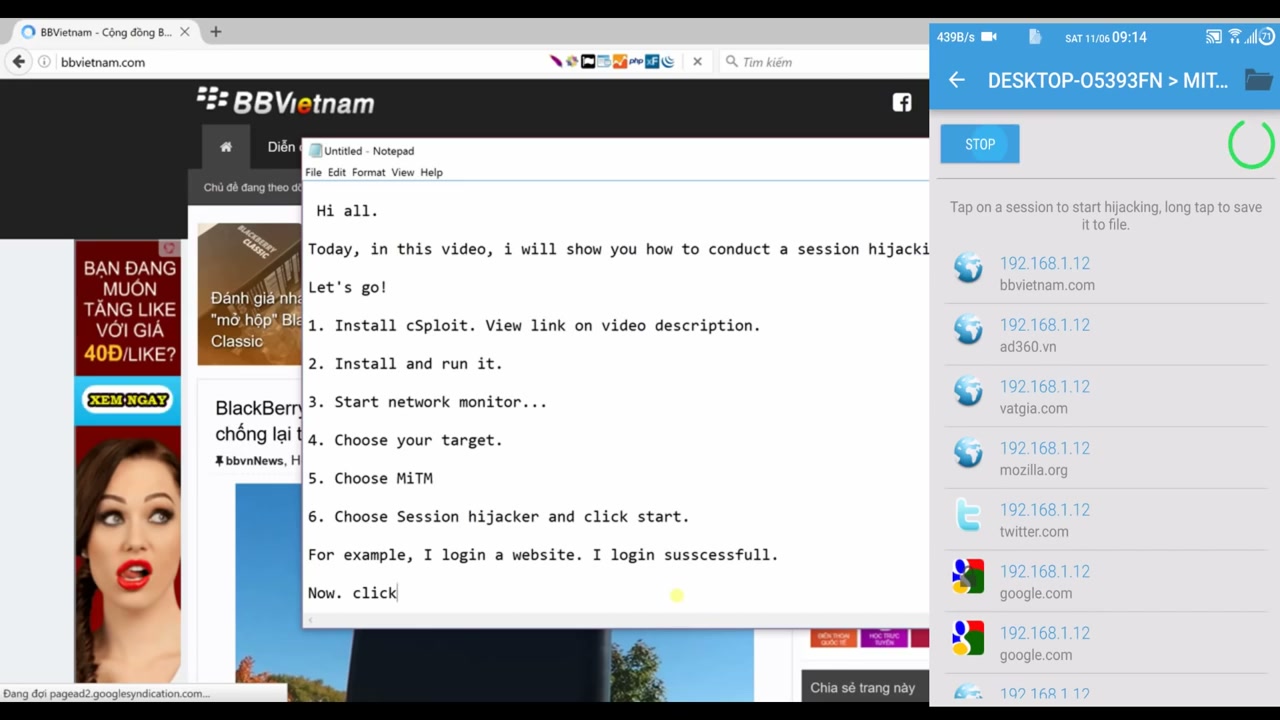
Finally, select your target device or user in cSploit, pick the ‘MiTM’ module, select ‘Session Hijacker’,
and click ‘Start’. Log into a website on the target device to capture the session and validate session hijacking.
Warning: This process is for educational or authorized security testing only.
Troubleshooting Tips:
- If no sessions appear, ensure the target device is active and connected to the same network as your device running cSploit.
- Some secure (HTTPS) sites may not be vulnerable to session hijacking due to encrypted cookies and security policies.
- Always check local laws and obtain permission before testing on any network.
Conclusion
In this tutorial, you learned how to install, set up, and use cSploit to hijack sessions on a network.
Remember, network security tools like cSploit are meant for educational purposes and authorized security
testing only. Never attempt to access networks or user sessions without explicit permission, as it is
illegal and unethical. For safer learning, practice your skills on your own devices and networks.